

 4.9 (400+
reviews)
4.9 (400+
reviews)
Call Any Contact in One Click Without Touching a Dial Pad
Manual dialing is a small inefficiency that adds up to a significant time drain across a full day of outbound calls.
Finding the number, switching to the phone, dialing, and waiting eats minutes per call that your team does not have.
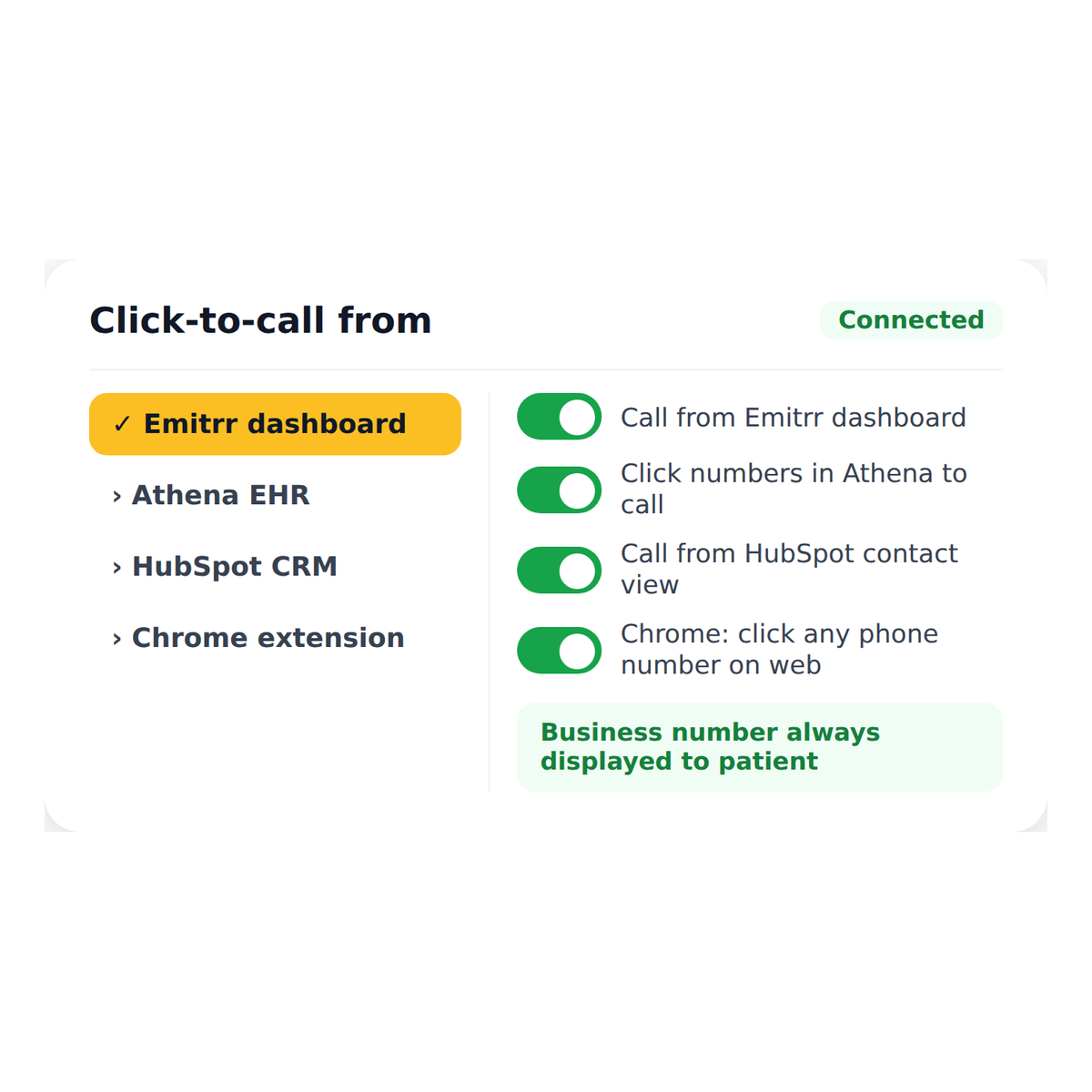
Emitrr’s Click-to-Call lets staff initiate a call to any contact directly from the browser, the Emitrr dashboard, or a connected CRM or EMR system with a single click.
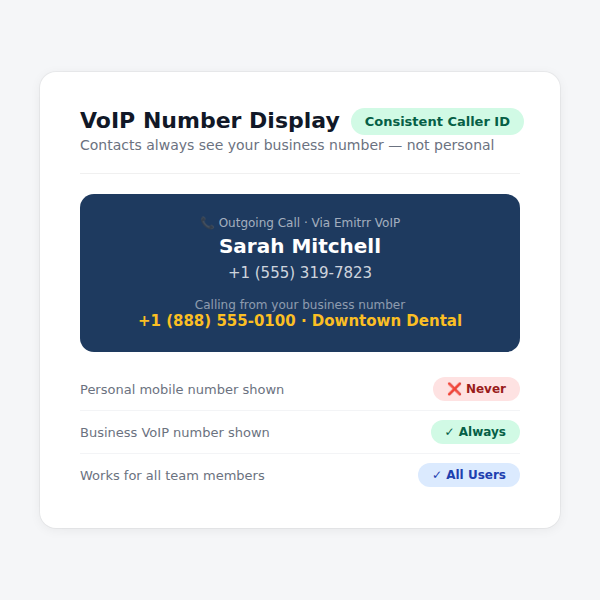
The call connects instantly using your VoIP number, the interaction is logged automatically, and your team moves to the next conversation without breaking their workflow.
See How Emitrr Cuts the Friction Out of Every Outbound Call
Book a demo to see how front desk teams and operations managers can speed up outbound calling without changing how their team works or what tools they use.
Why Teams Use Click-to-Call
Eliminate the Time Lost to Manual Dialing Across a Full Day
For a team making 30 to 50 outbound calls per day, removing the manual dial step from each one adds up to a meaningful recovery of productive time across the week.

Keep Staff in Their Workflow Instead of Switching Between Tools
When a call can be initiated directly from a patient record, a CRM contact, or the Emitrr dashboard, staff stay in context and do not lose their place jumping between systems to make a call.

Log Every Call Automatically Without Manual Data Entry
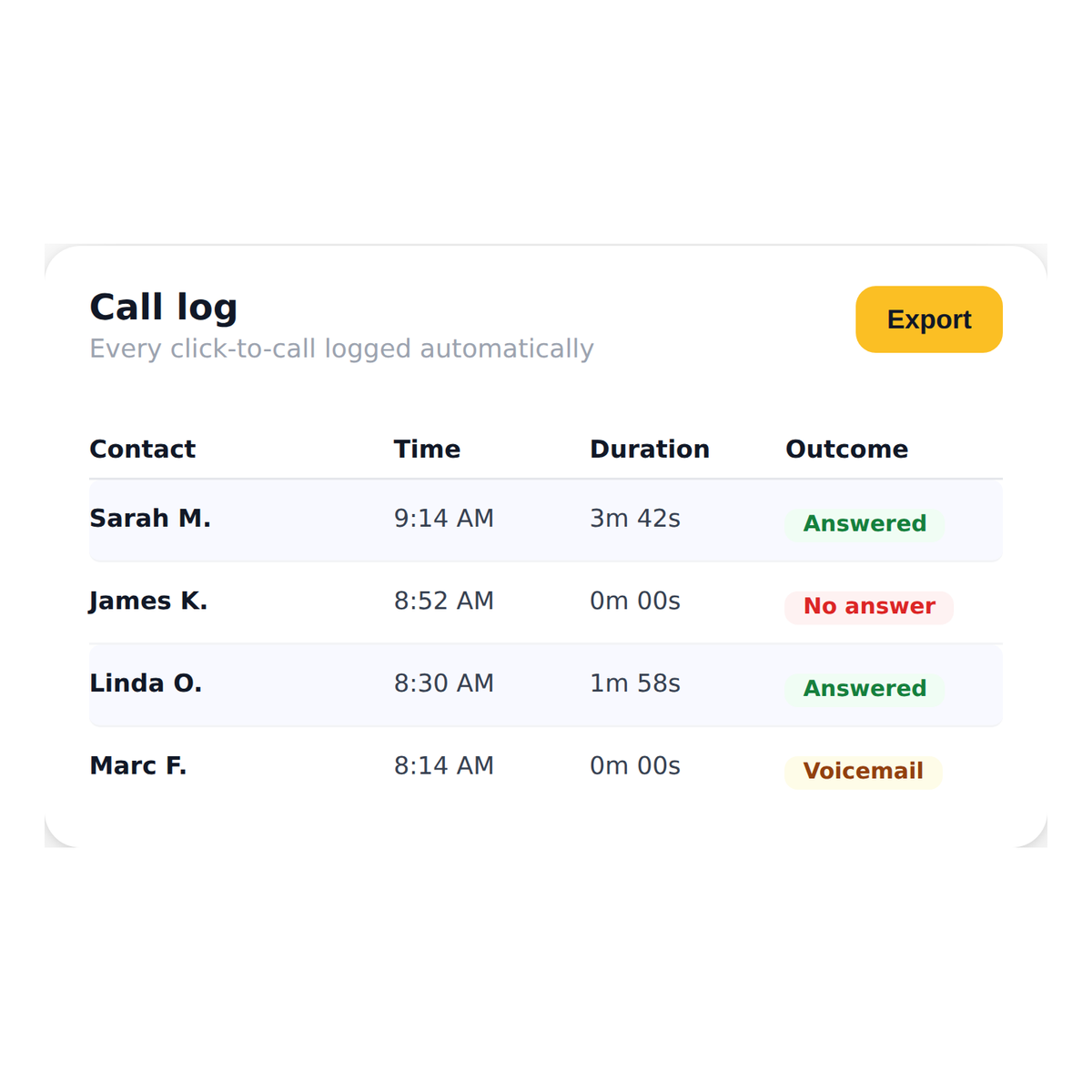
Every click-to-call interaction is recorded and logged against the contact automatically so your team always has a complete call history without anyone having to update a record after hanging up.
What You Can Do With Emitrr Click-to-Call
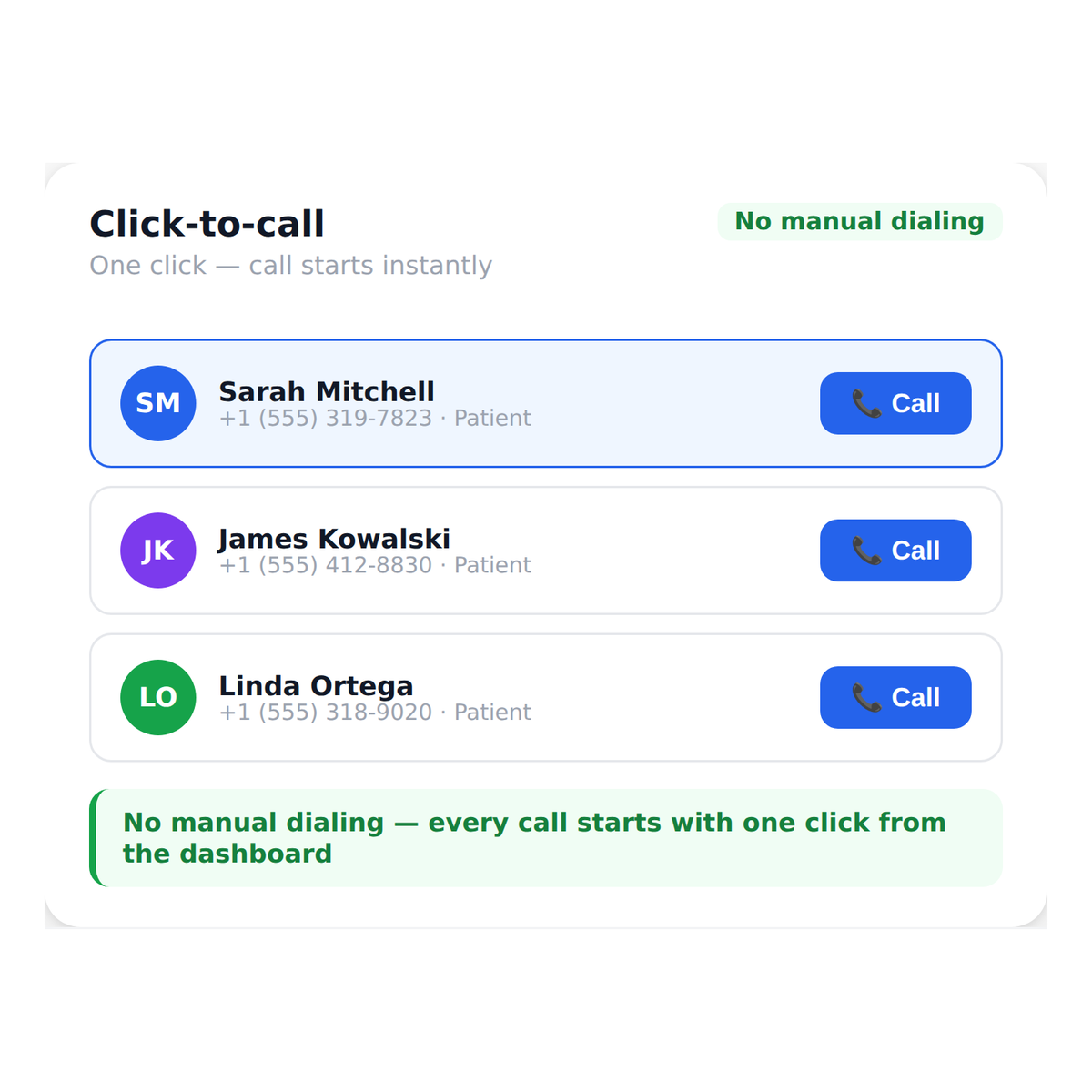
Initiate a Call to Any Contact With a Single Click
Click any phone number in Emitrr or a connected system and the call connects immediately through your VoIP line without manual dialing, number copying, or switching to a separate phone app.
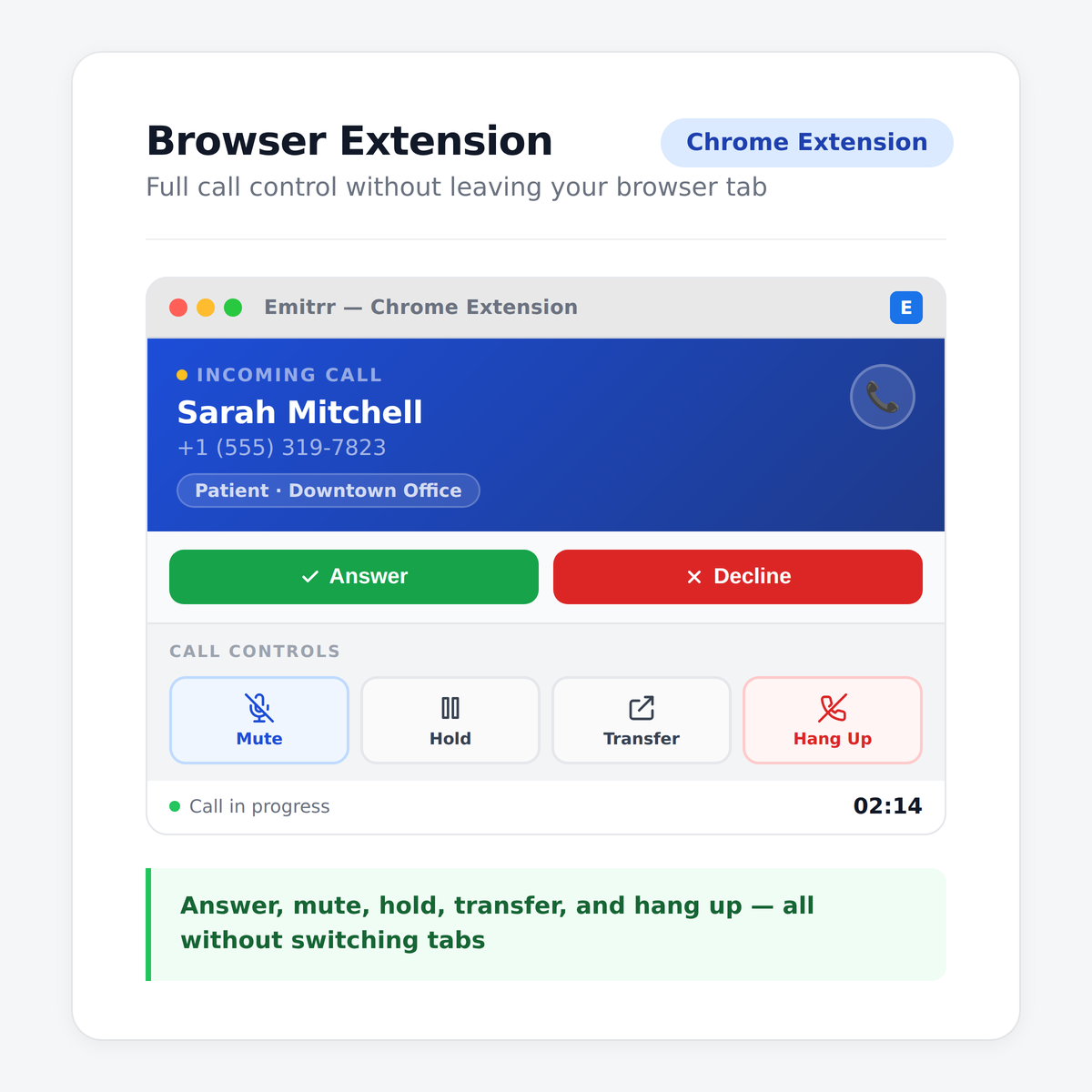
Watch How HIPAA Compliant Phone System Works
Where Click-to-Call Helps Most

Front Desk Teams Making High-Volume Outbound Calls
When a front desk team is calling through a list of appointment confirmations, follow-ups, or recall outreach, removing the manual dial step from each call meaningfully speeds up the entire workflow.

Recruiters Working Through Large Candidate Lists
Staffing agencies whose recruiters make dozens of outbound calls per day to candidates and clients recover significant time when every call initiates from a single click inside the platform they already use.

Practices Doing Post-Visit Follow-Up Calls
Staff handling post-visit check-ins, prescription follow-ups, or care instruction calls can work through their list faster and stay in context with the patient’s record visible on the same screen.

Sales and Account Management Teams
Teams managing client relationships and outbound sales activity benefit from click-to-call because every conversation is logged automatically, creating a complete interaction history without relying on manual CRM updates.
Multi-Location Practices With Centralized Calling Teams
When a centralized team handles outbound calls for multiple locations, click-to-call ensures every call goes out from the correct location’s number and is logged against the right location’s records.
Businesses Running Outbound Campaign Callbacks
When patients or customers respond to a campaign and request a callback, click-to-call lets staff work through the callback list efficiently without switching systems or manually dialing each number.
Frequently Asked Questions
Make Every Outbound Call Faster Without Changing How Your Team Works
Emitrr's Click-to-Call removes the friction from every outbound call so your team spends time talking, not dialing.
