

 4.9 (400+
reviews)
4.9 (400+
reviews)
OmniMD X Emitrr Integration
OmniMD manages your multi-specialty practice. Emitrr automates patient communication across every department and provider. Send reminders automatically, handle refill requests with AI, and keep every message logged in the OmniMD chart.

Planning to integrate Emitrr with OmniMD? Review a quick checklist to understand what's required before integration.
Why Connect OmniMD with Emitrr?
Automate Across Every Provider and Specialty
Emitrr syncs with OmniMD to send reminders and follow-ups across all departments, from one platform.
One Inbox for Every Patient Conversation
All patient texts land in one HIPAA-compliant inbox. No missed messages across specialties or departments.
Cut No-Shows Practice-Wide
Automated reminders reduce no-shows by up to 90%. At multi-specialty scale, that’s measurable revenue protected every week.
Every Communication Logged in OmniMD
Every message and AI call is written back to the patient chart automatically. No manual documentation required.
Features You Get With the OmniMD + Emitrr Integration
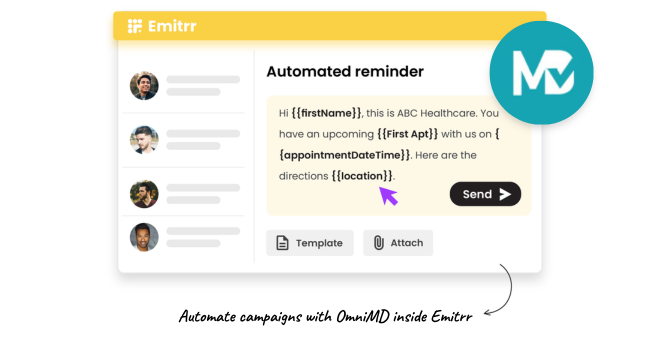
Multi-Specialty Appointment Reminders and Confirmations

Automate reminders for every appointment type across all specialties in OmniMD.
Configure timing and message content per provider group or department.
Patients confirm with one text, no call, no portal needed.
Confirmations sync back into OmniMD.
AI Prescription Refill Automation
AI collects refill details via text, no hold time, no voicemail.
Requests route to the prescribing provider inside OmniMD.
Staff approve refills digitally, no transcription required.
Eliminate the manual refill bottleneck across every specialty.
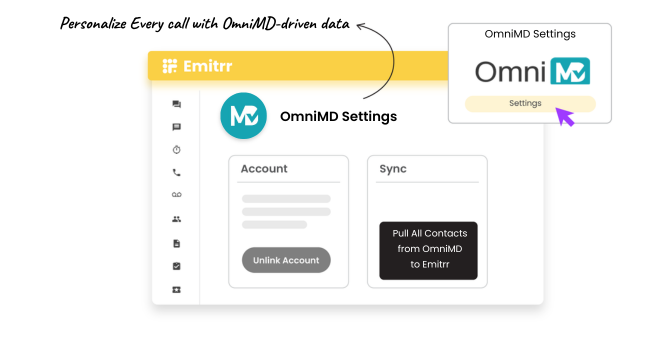
Centralized SMS Inbox Across All Departments
All patient text conversations across every specialty land in one inbox.
Assign threads to the right department or staff member instantly.
Track conversation status, open, in progress, resolved, from one view.
No patient message falls through the cracks across a busy multi-provider practice.
Communication Sync to OmniMD Patient Charts
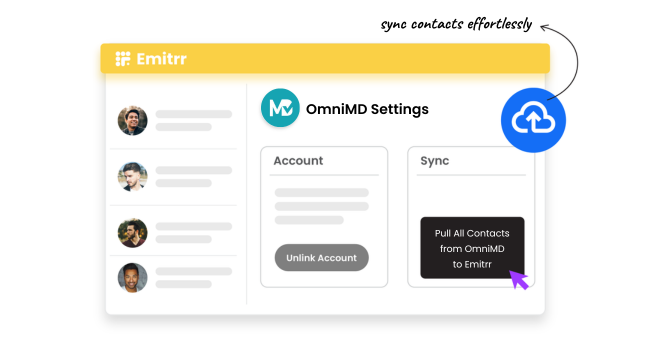
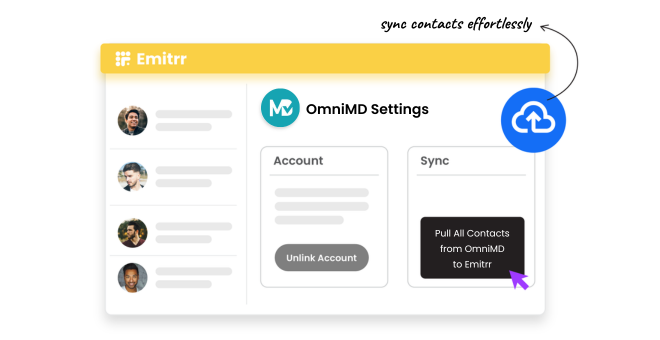
Every Emitrr SMS, AI response, and staff reply is written to the OmniMD patient chart.
Providers see the full communication history without leaving the EHR.
Supports compliance documentation and billing audit requirements.
Eliminates manual logging for every department and provider.
Key Use Cases
Front Desk / Admin
Clinical Staff
Practice Owners & Managers
Frequently Asked Questions
Ready to Connect Emitrr with OmniMD?
Automate patient communication across every specialty, unify your messaging inbox, and log every interaction in OmniMD, without adding headcount.