

 4.9 (400+
reviews)
4.9 (400+
reviews)
Shared Inbox That Keeps Your Team Aligned on Every Patient Conversation
Emitrr’s shared inbox brings all patient conversations into one place so your team can manage messages without confusion.
Instead of scattered texts, calls, and voicemails, everything is organized in a single workspace your entire team can access.
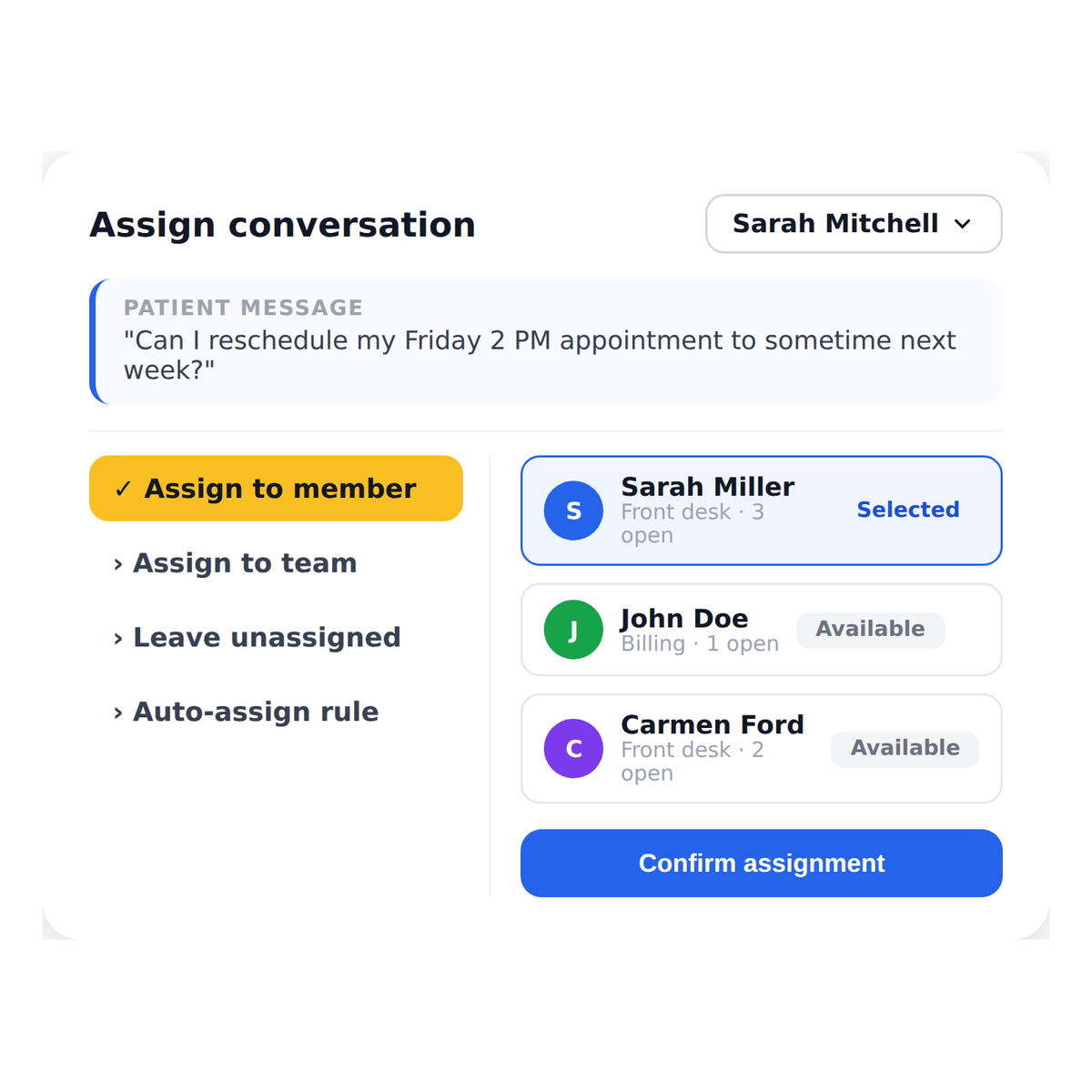
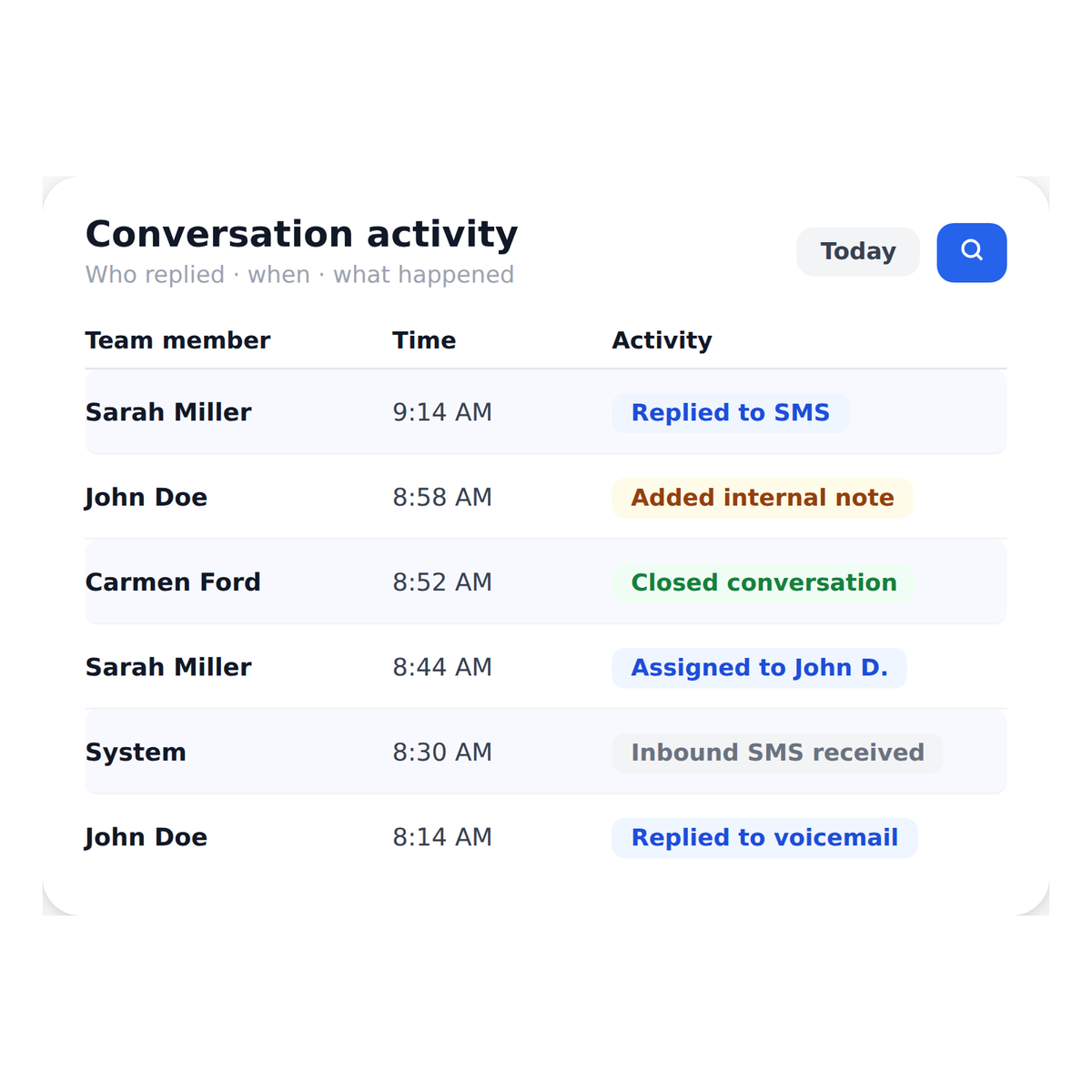
Assign conversations, add internal notes, and respond faster without asking who handled what.
No more missed messages, duplicate replies, or dropped follow-ups.
See the Shared Inbox in Action
Book a demo to see how your team can manage patient conversations without confusion.
Why Practices Choose Emitrr Shared Inbox

Keep Everyone on the Same Page
All conversations are visible in one place, so your team doesn’t have to check multiple systems or ask around

Avoid Duplicate or Missed Responses
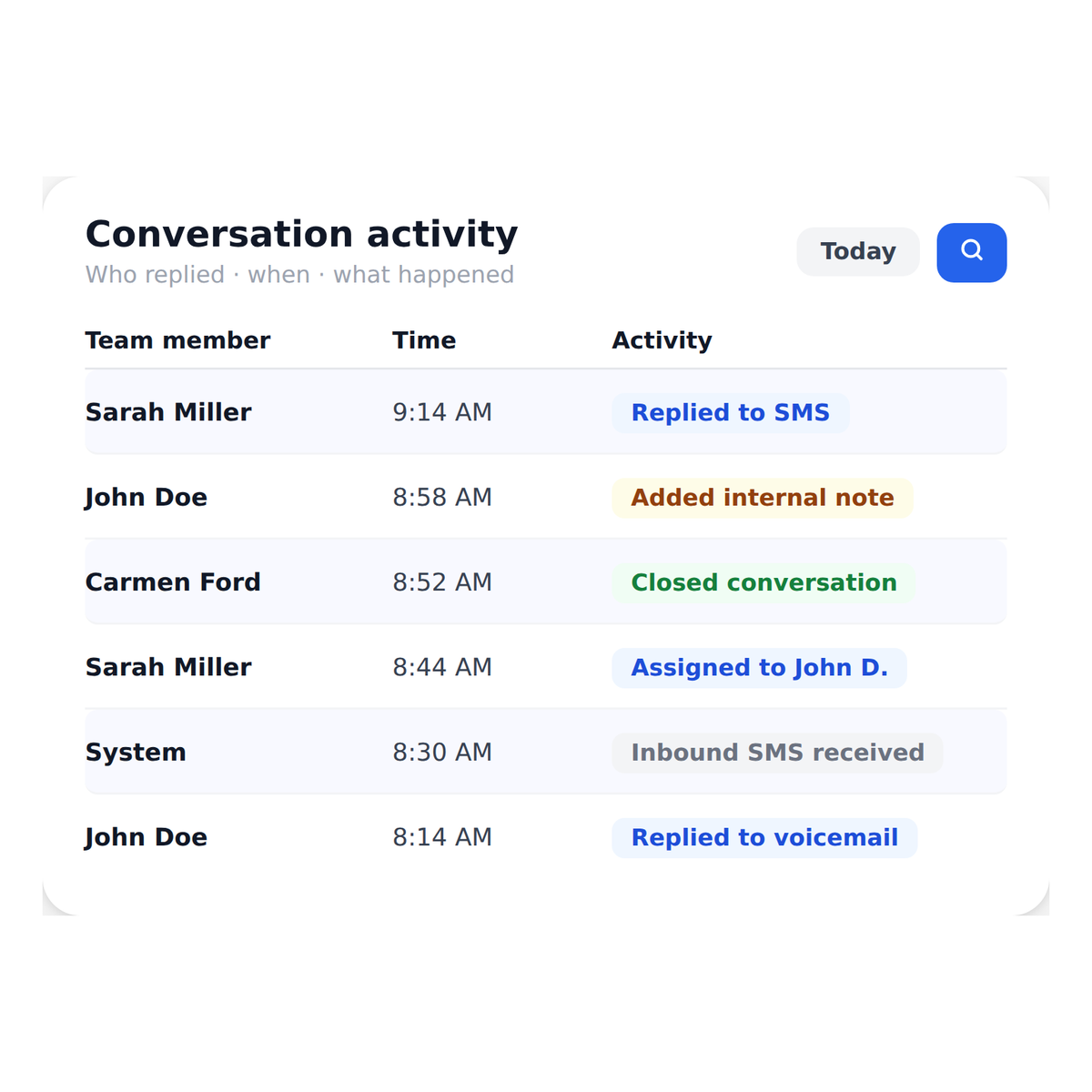
Know exactly who is handling each conversation, so patients don’t get multiple replies or no reply at all

Respond Faster as a Team
Assign and manage conversations efficiently so your team can keep up without getting overwhelmed
What You Can Do With Emitrr Shared Inbox

One Inbox Your Entire Team Can Work From
Texts, calls, and voicemails from every patient are brought together into a single, organized workspace that every team member can access.
There’s no need to check separate apps, forward messages, or ask a colleague what was said.
Everything your team needs to respond is already in one place.
Watch How HIPAA Compliant Texting Works
Where the Shared Inbox Helps Most

Handling High Message Volumes
Keep conversations organized even when patient inquiries increase

Managing Front Desk Workflows
Ensure your team can respond without confusion or constant coordination

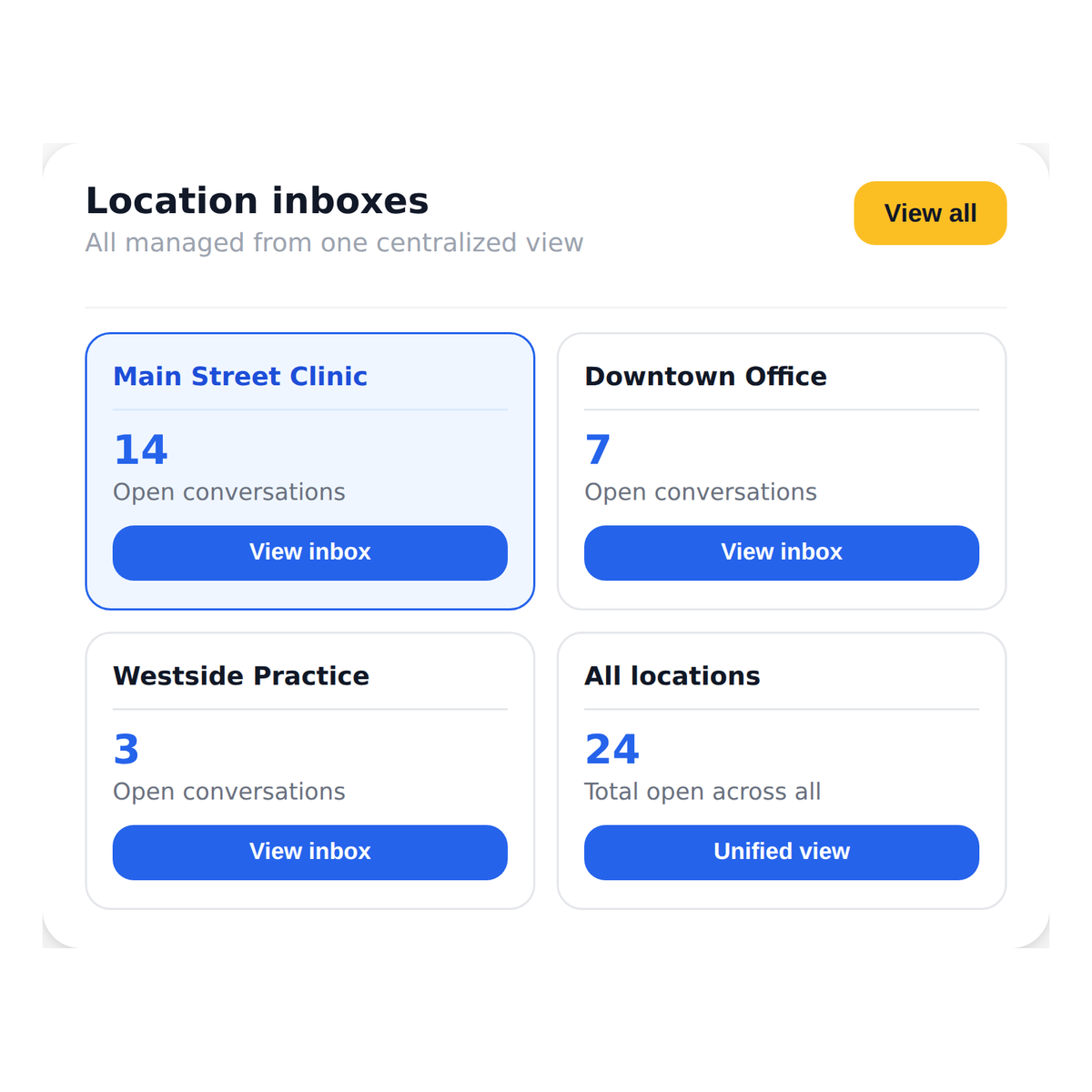
Supporting Multi-Location Practices
Manage communication across multiple locations without separate systems
Preventing Missed or Delayed Responses
Make sure every patient message is seen, assigned, and handled on time
Frequently Asked Questions
Keep Your Team in Sync on Every Patient Conversation
See how Emitrr’s shared inbox helps your team stay organized, respond faster, and avoid missed messages.